Count what meets the standard
See valid reps, no reps, elapsed time, tracking quality and movement guides during the set.
Live computer vision for functional fitness
ScoreRep uses your phone camera to count valid reps, flag no reps and show movement guides while you train. Review technique, save results and compete live—no wearables or extra sensors.

Live in the application
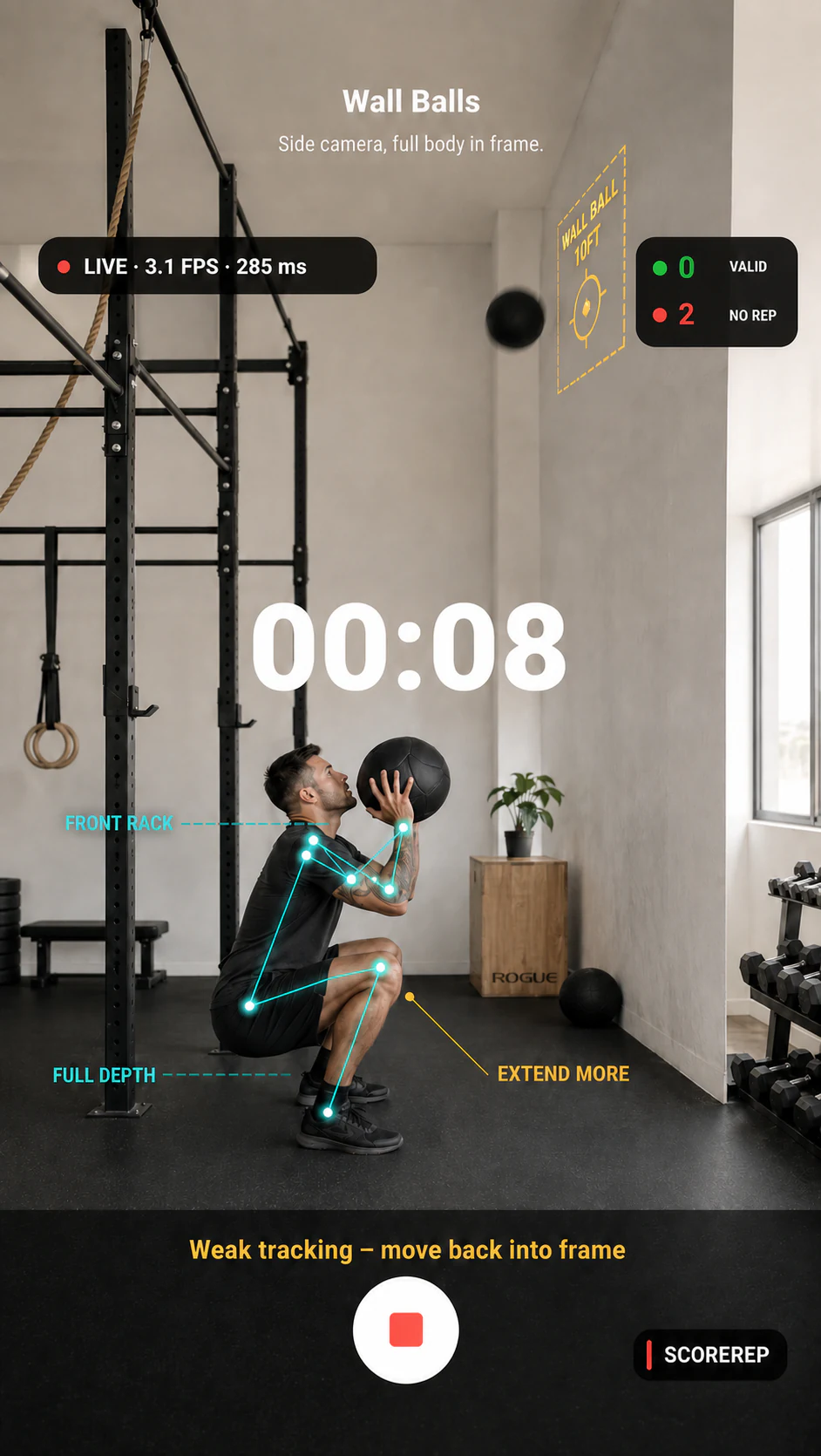
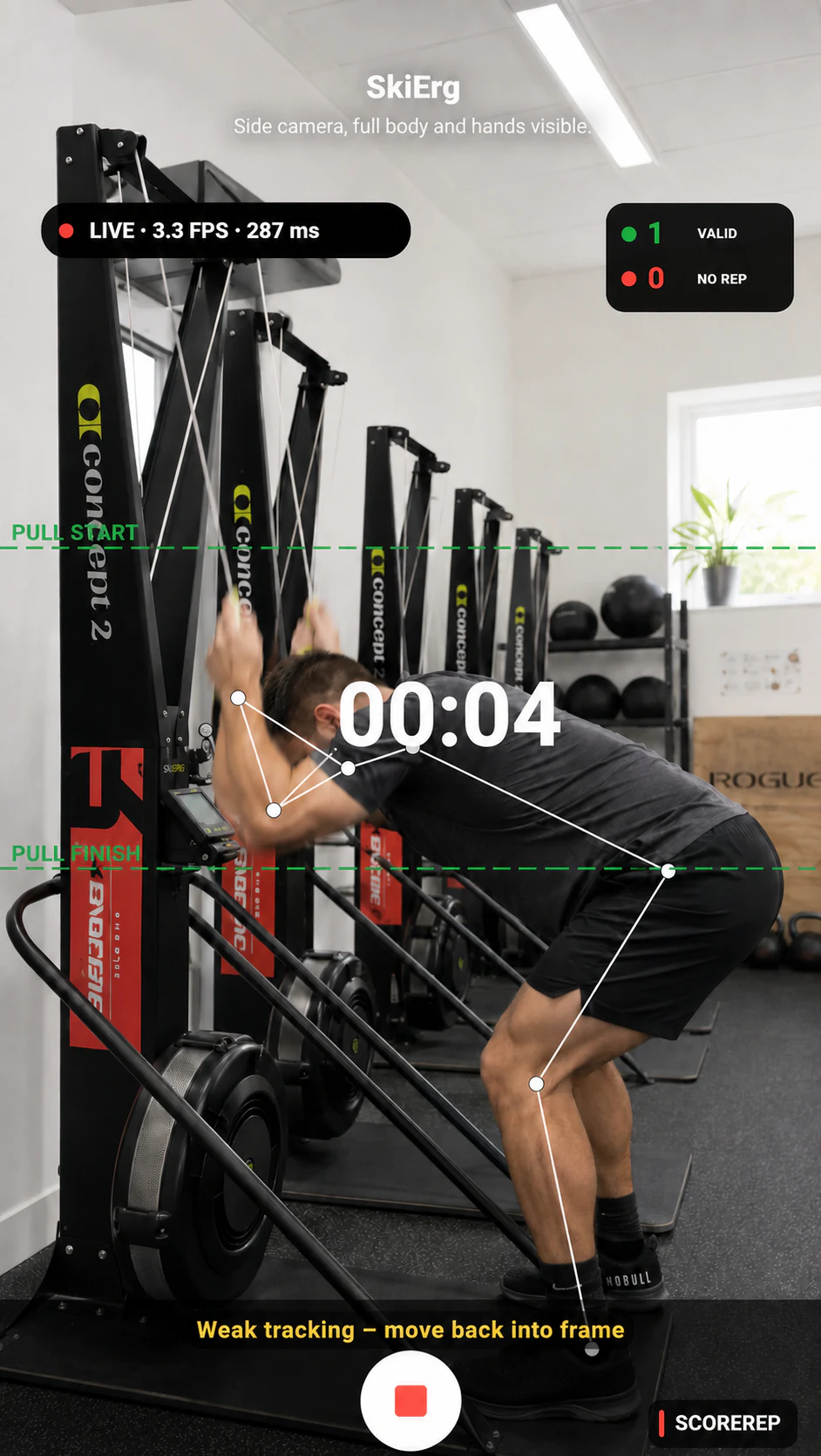
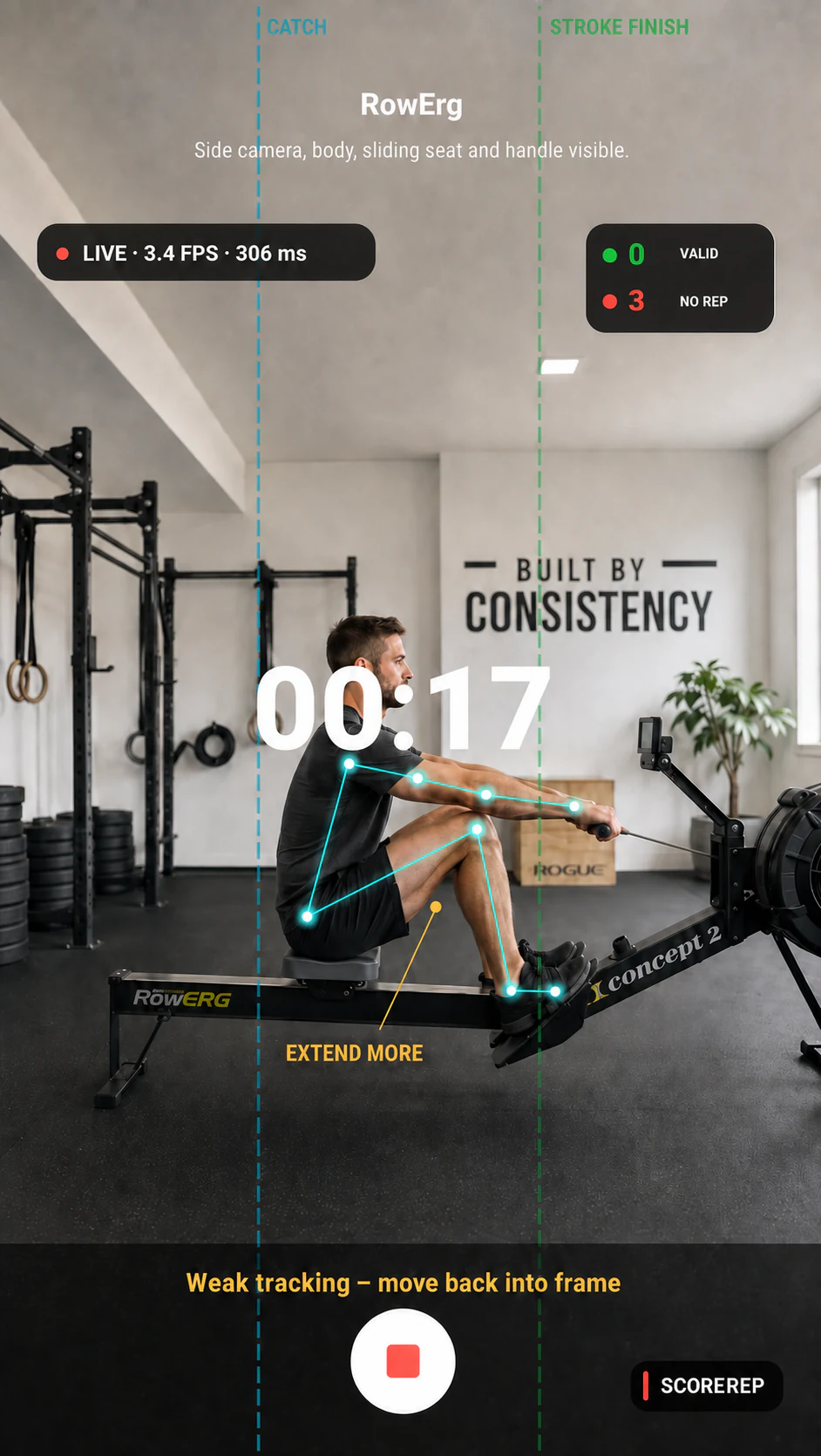
One camera. Three ways to train.
Use the same phone to train against movement standards, review a recorded set or compete with athletes on other devices.
See valid reps, no reps, elapsed time, tracking quality and movement guides during the set.
Record a supported exercise and receive rep detection, criterion scores, movement replay and visible evidence.
Synchronise athletes in different locations and follow skeletons, reps and pace together.
Start with a specific problem
Computer vision tracking
Rep counter
Squat
Deadlift
Wall ball
Burpee
Hybrid racing
Live competition
Train live
There is no fixed rep scheme. Position your phone, start the set and stop whenever you finish. ScoreRep validates complete reps and saves the result.
Live tracking runs in your browser while you record. Camera access and a free account are required to save the result.
Ready when you are